Understand invoice statuses and actions
Follow an invoice from draft to payment or cancellation.
Finance → Invoices
Step by step
- 1
Open the invoice details to check the current status and outstanding amount.
- 2
Draft, Issued, and Sent describe invoice preparation and delivery. Mark sent after sending where the action is available.
- 3
Partial paid means some of the balance has been settled. Paid means the invoice has been settled. Overdue flags an unpaid balance past its due date.
- 4
Use discount, void, or cancel only when the action is available to your role and appropriate for the invoice.
- 5
Review cancelled invoices in Cancelled Report if your role permits it. They are excluded from the active invoice list.
See it in the workspace
Actual portal screens. Private values are hidden where needed. Open an image to see it at full size.
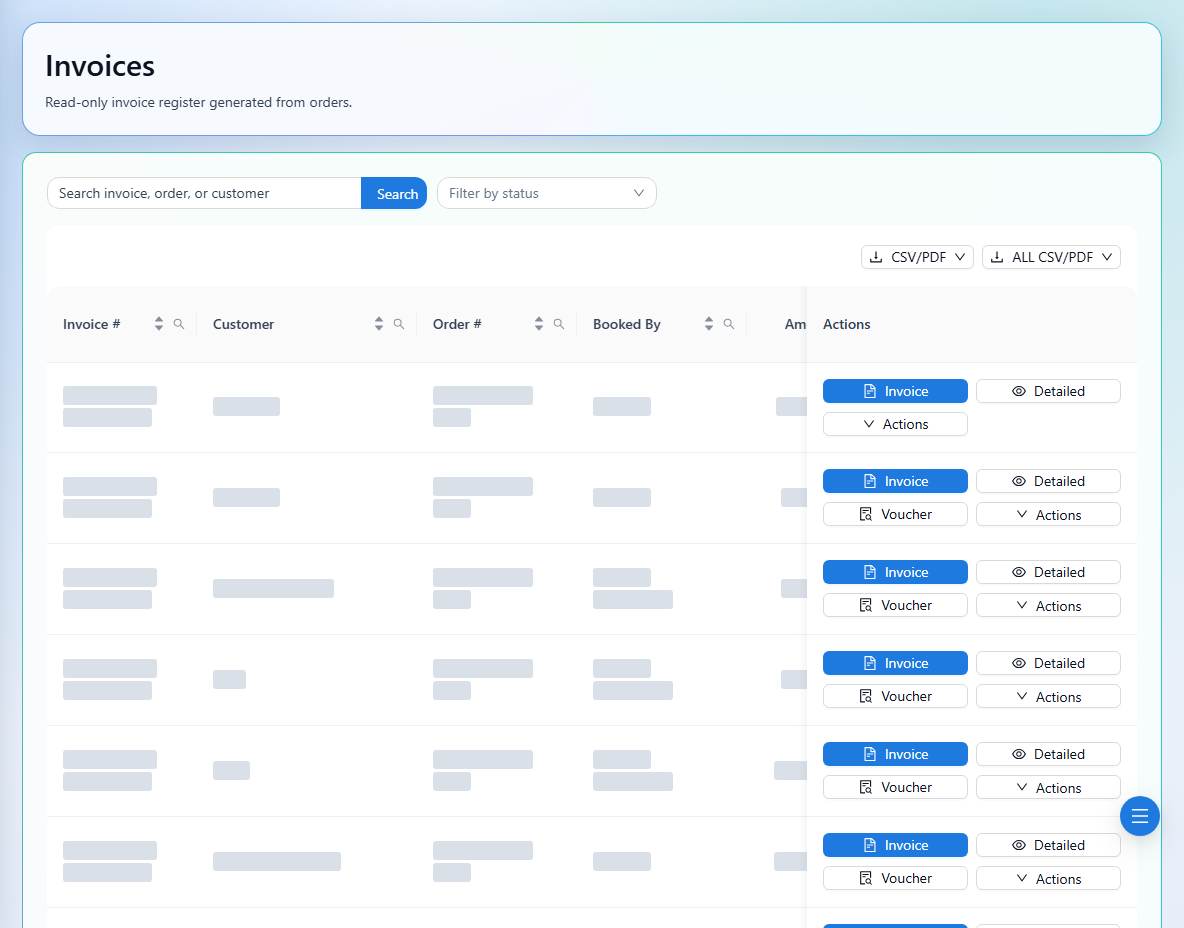
Discounts reduce the invoice through a negative line. Review the recalculated total and outstanding balance after applying one.