Handle refunds and returned money
Separate a refund request from the movement of money.
Finance → Orders / Invoices / Customer Payments
Step by step
- 1
Open the original order or its invoice and review the booking and current status.
- 2
Create a refund request from the available order or invoice action when appropriate.
- 3
When money is paid back to a customer, record it in Customer Payments with the correct customer, amount, and reference.
- 4
When a supplier returns money to your agency, record it in Vendor Receipts.
- 5
Review the relevant statement to confirm the resulting movements and balances.
See it in the workspace
Actual portal screens. Private values are hidden where needed. Open an image to see it at full size.
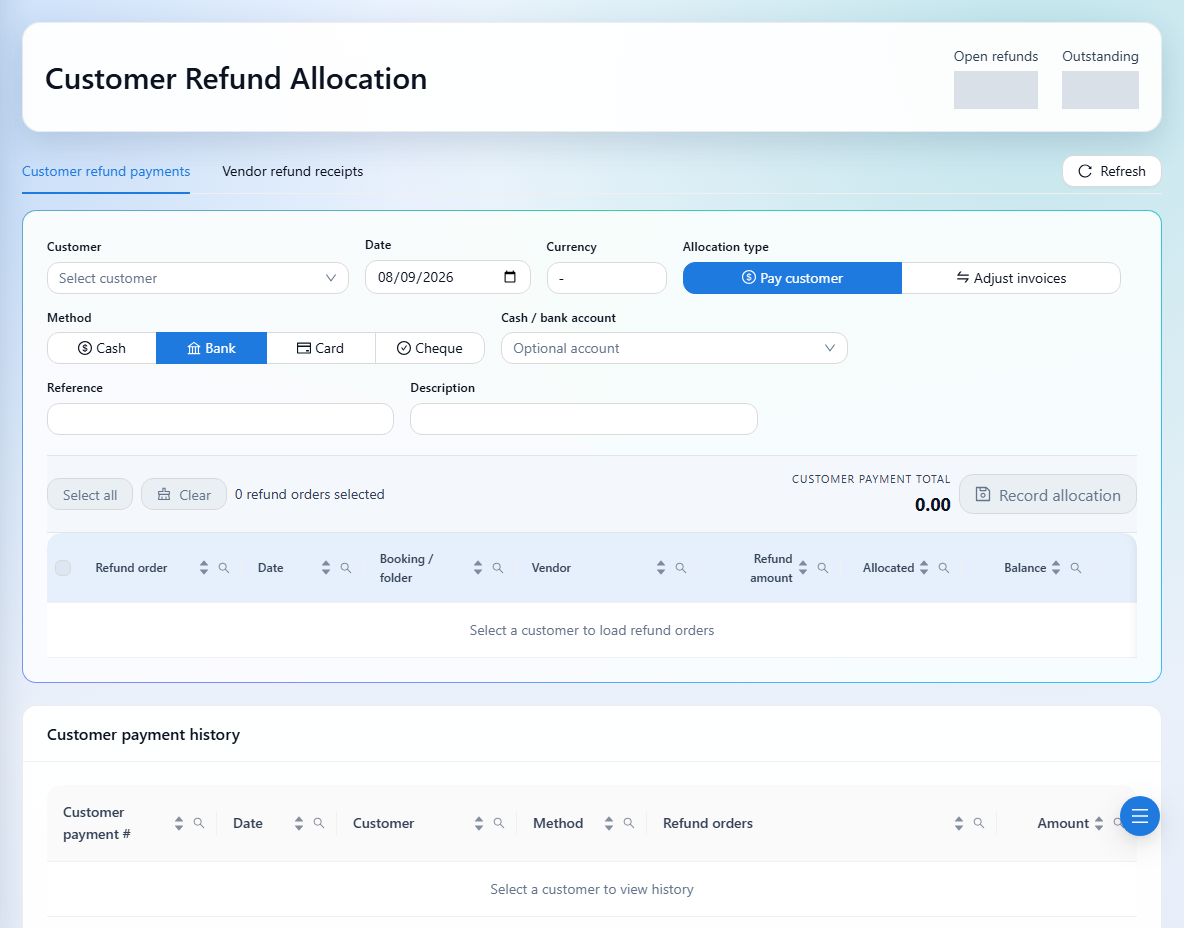
A refund request is not the same as recording money paid. Check the available actions and the transaction history to avoid recording the same movement twice.