Record a vendor payment
Pay a supplier against one or more payable orders.
2 min read · 5 steps
Where to go
Finance → Vendor Payments
Step by step
- 1
Select the vendor in Vendor Payments.
- 2
Choose the payable orders you want to settle.
- 3
Enter the payment information and select the relevant account if applicable.
- 4
Adjust the amount allocated to each order. Confirm allocations fit the current payable balances.
- 5
Record the payment and review the allocations. A payment split across orders retains one payment number.
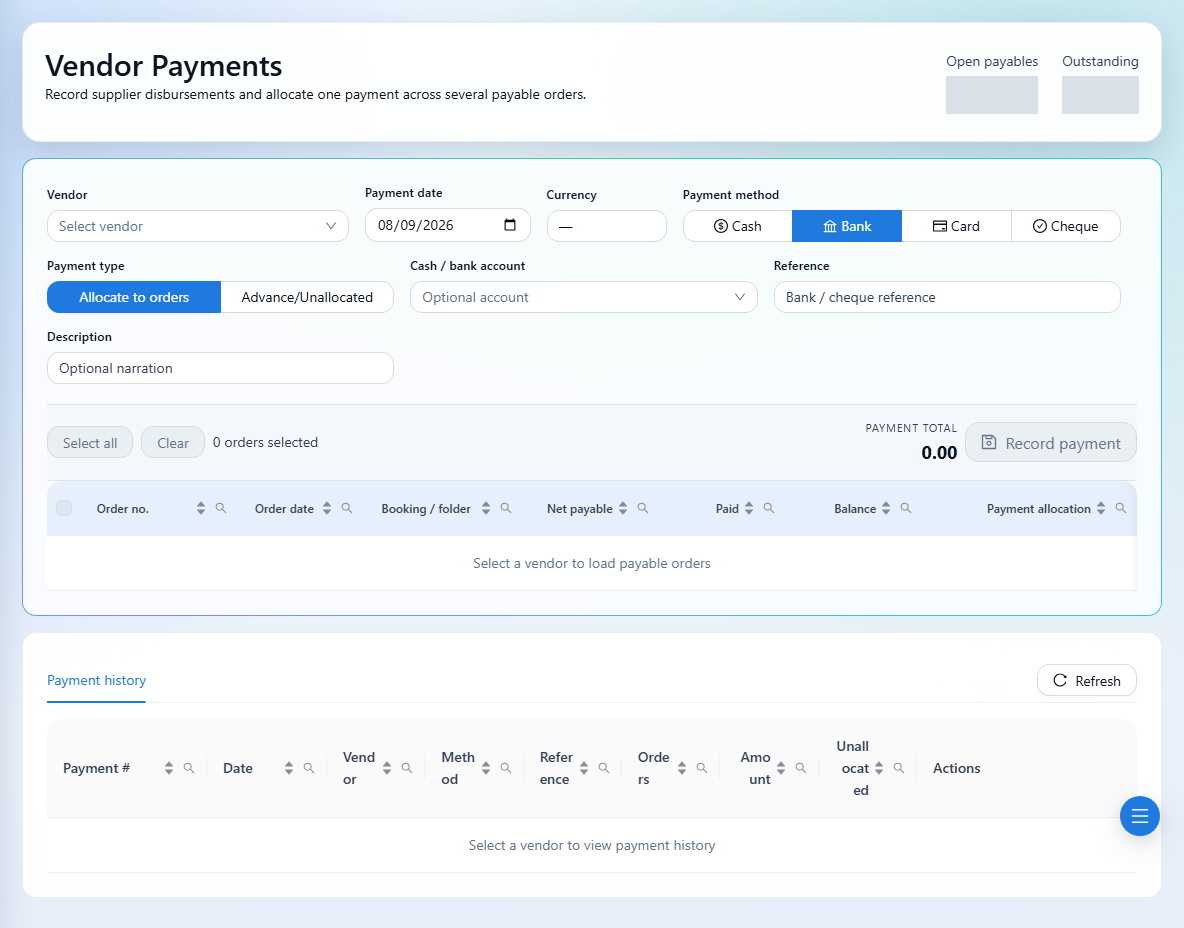
See it in the workspace
Actual portal screens. Private values are hidden where needed. Open an image to see it at full size.
Good to know
If expected payables are missing, check that the order has an eligible invoice and that its cost rows are linked to the correct vendor.
Was this guide helpful?