User Profile: update your name
Review your personal account details and save your display name.
2 min read · 4 steps
Where to go
Profile menu → User Profile
Step by step
- 1
Open the profile menu and choose User Profile.
- 2
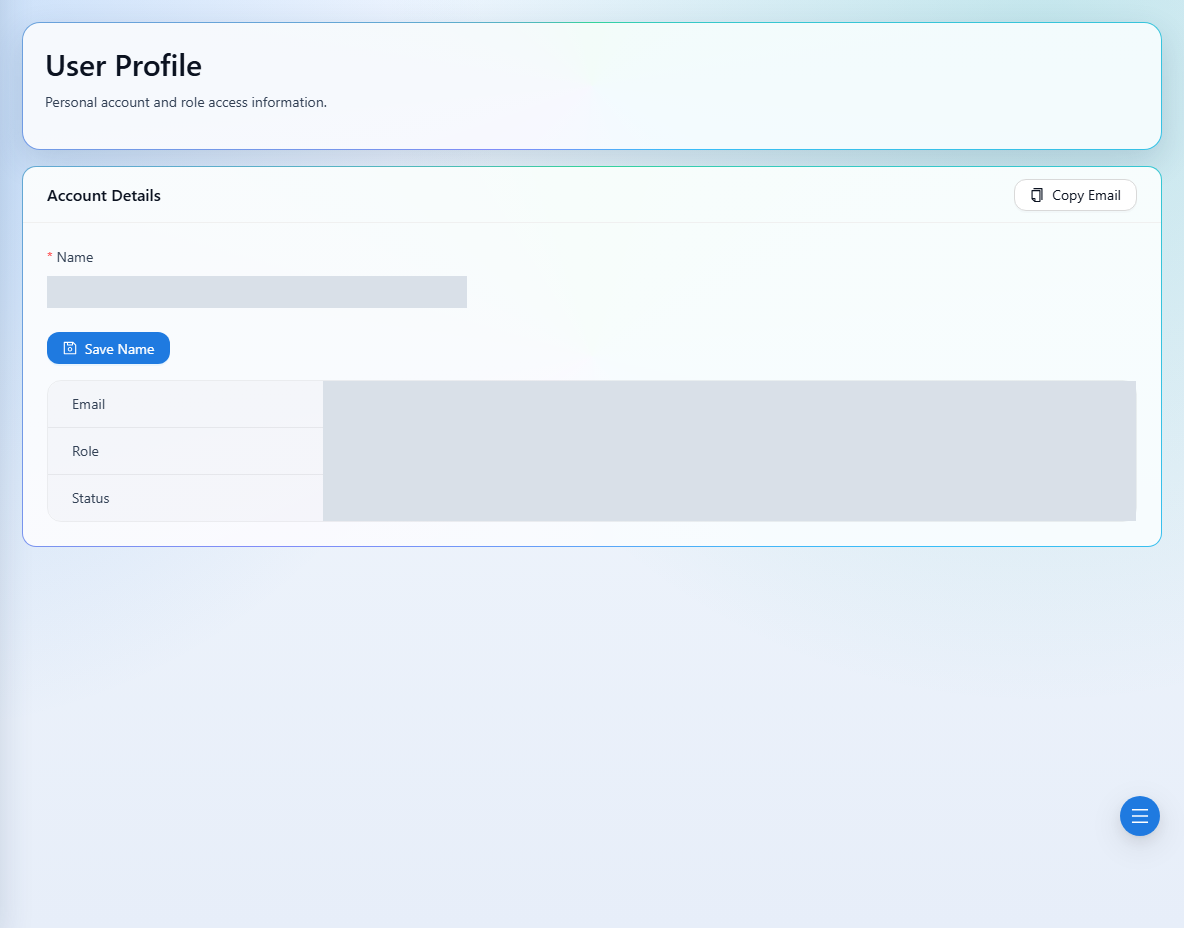
Review your email, role, and signed-in status under Account Details.
- 3
Edit Name and choose Save Name. The name is required and must be no longer than 200 characters.
- 4
Use Copy Email when you need to copy the account address.
See it in the workspace
Actual portal screens. Private values are hidden where needed. Open an image to see it at full size.
Good to know
This screen updates your name. Ask your company owner or admin about role changes, and use password recovery if you need to reset your password.
Was this guide helpful?