Customers: maintain customer records
Add, find, update, and manage your customer directory.
Master Data → Customers
Step by step
- 1
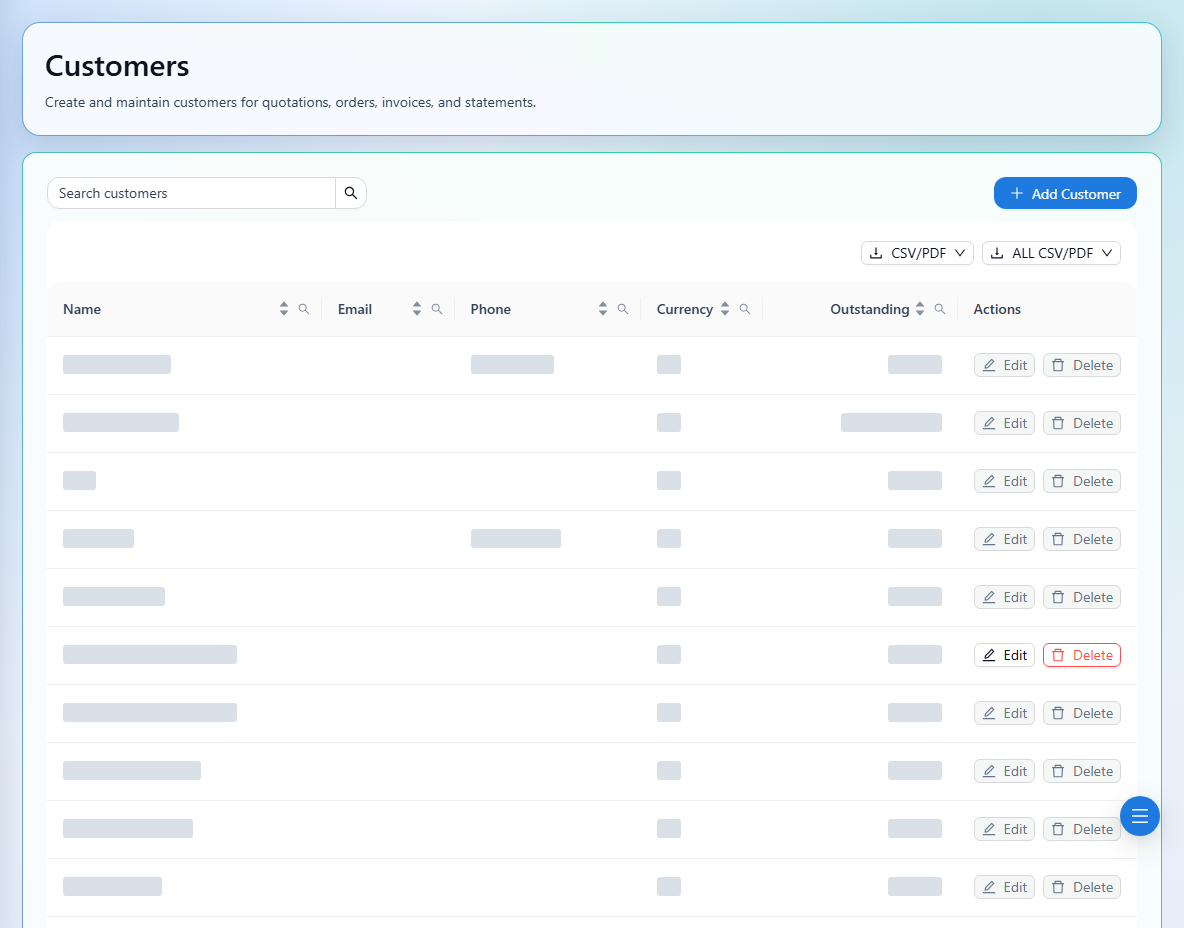
Search customers before creating a new record to avoid duplicates.
- 2
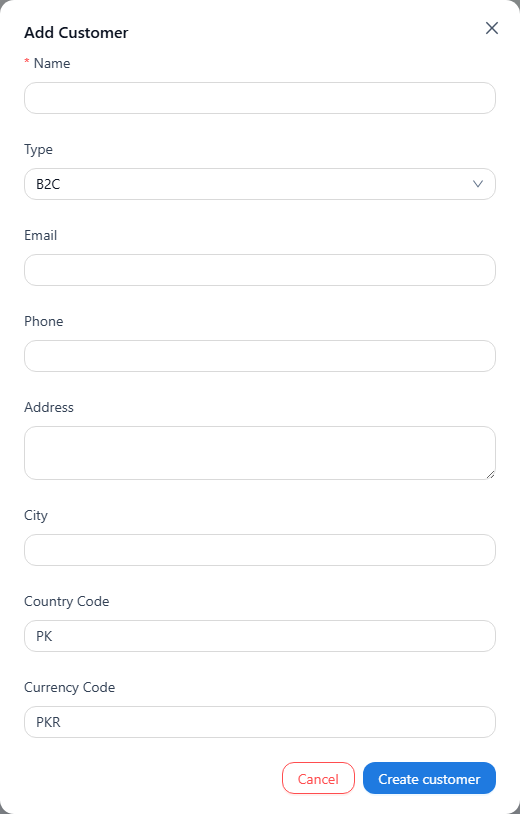
Use the add action and enter the customer Name and Type, choosing B2C or B2B as appropriate.
- 3
Complete email, phone, address, city, two-letter country code, and three-letter currency code.
- 4
Save the record and use it in orders and customer transaction selectors.
- 5
Use the available edit action to keep details current. Delete only when permitted; customers with financial activity cannot be deleted.
See it in the workspace
Actual portal screens. Private values are hidden where needed. Open an image to see it at full size.
Choose the currency carefully before using a customer in bookings or transactions. Deleting a directory record is not a way to remove its financial history.