Receipt Report: review money received
Search customer and vendor receipts in one money-in report.
2 min read · 5 steps
Where to go
Reports → Receipt Report
Step by step
- 1
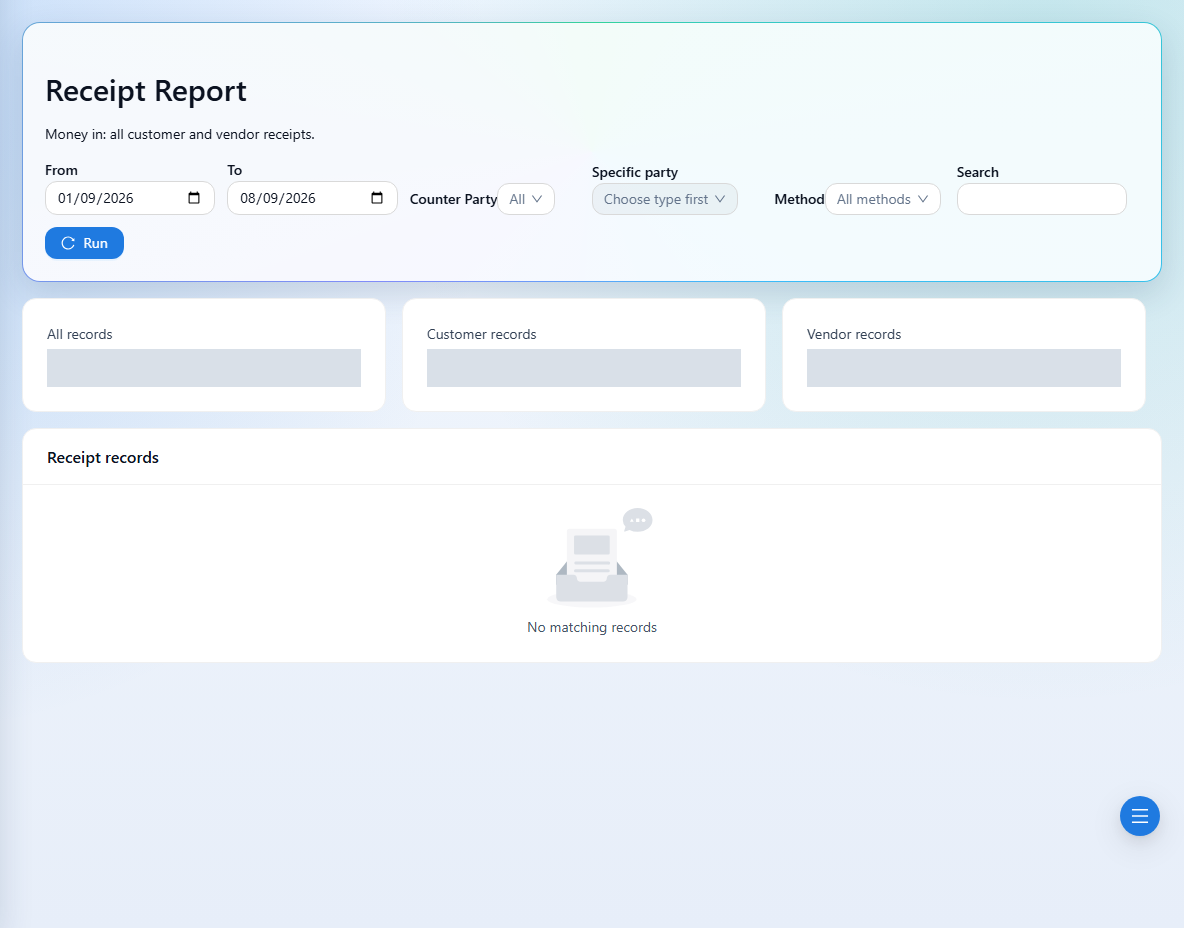
Set the date range and search text for the receipts you need.
- 2
Choose Customers or Vendors under Counter Party; then choose a Specific party if required.
- 3
Filter Method by cash, bank transfer, card, or check, or leave it unset for all methods.
- 4
Run the report and inspect receipt references, parties, amounts, dates, and methods.
- 5
Compare the relevant customer or vendor statement if you need to understand the resulting balance.
See it in the workspace
Actual portal screens. Private values are hidden where needed. Open an image to see it at full size.
Good to know
This report includes both customer and vendor receipts. Use the counterparty filter before interpreting a total as customer collections.
Was this guide helpful?