Find a booking with Reference Search
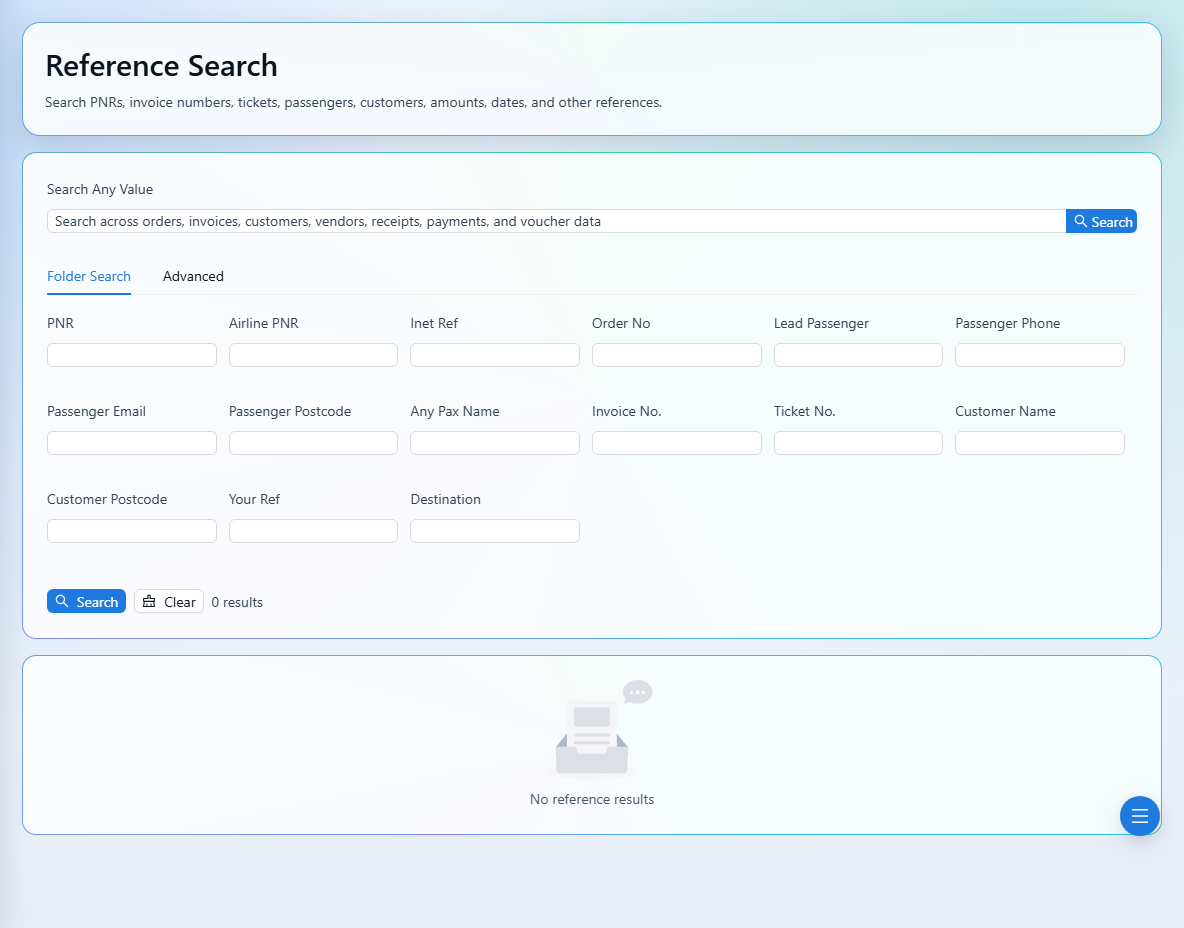
Search across bookings, invoices, customers, and transactions.
2 min read · 5 steps
Where to go
Finance → Reference Search
Step by step
- 1
Open Reference Search in Finance.
- 2
Start with a booking reference, PNR, airline PNR, ticket number, passenger name, or order/invoice number.
- 3
Narrow the results using destination, status, payment status, date range, or amount range as needed.
- 4
Open the matching result to review its record.
- 5
If nothing appears, remove restrictive filters and try another reference from the same booking.
See it in the workspace
Actual portal screens. Private values are hidden where needed. Open an image to see it at full size.
Good to know
Results are limited to your signed-in company and agency. Check spelling and date ranges before assuming a record is missing.
Was this guide helpful?