Cancelled Report: review cancelled records
Inspect cancellation history and eligible order copies.
2 min read · 5 steps
Where to go
Reports → Cancelled Report
Step by step
- 1
As a company owner or admin, open Cancelled Report.
- 2
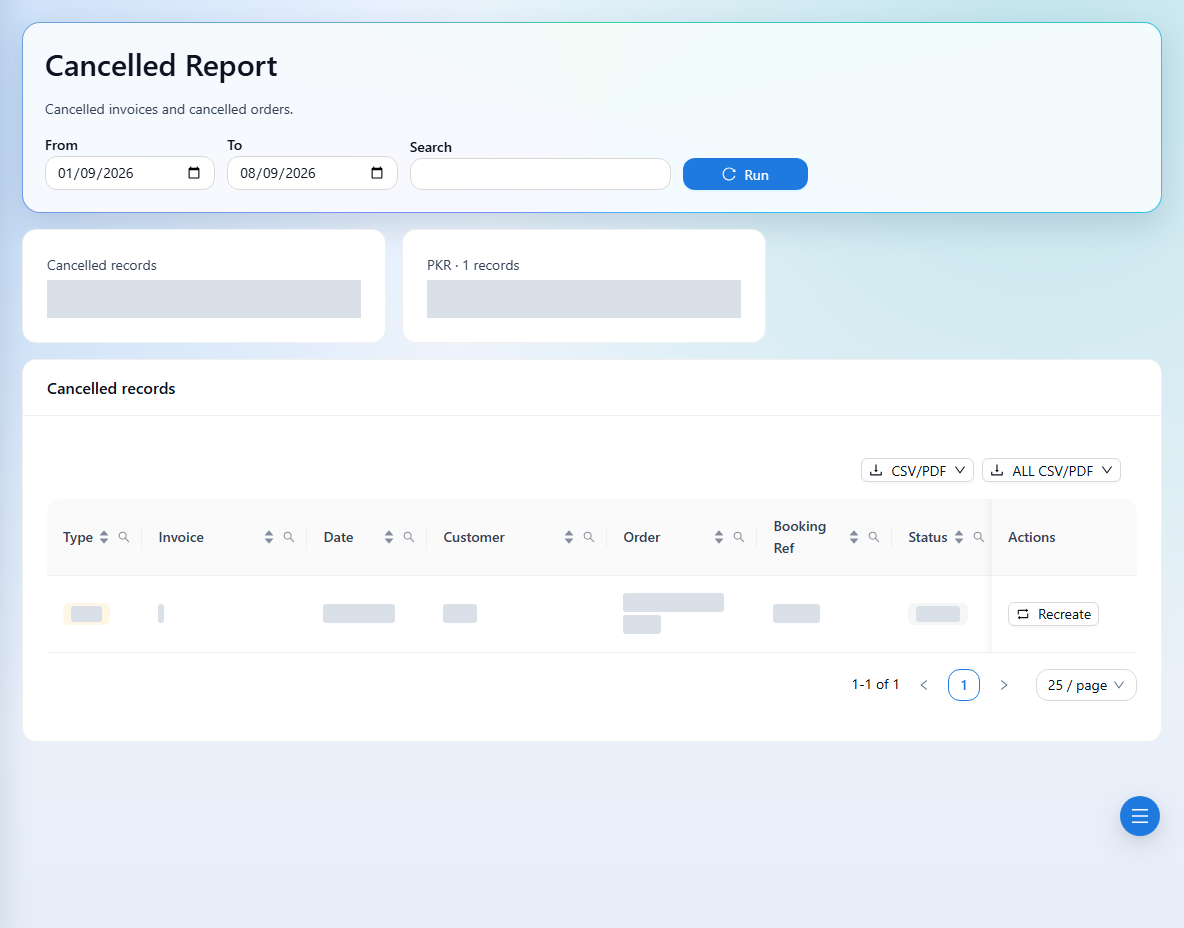
Choose the date range and load the cancelled records.
- 3
Review each cancelled record and its related booking before taking further action.
- 4
If you need a new booking based on an eligible cancelled order, use the copy action and review its confirmation. It creates a new order number.
- 5
Review the new order independently before invoicing or sharing it.
See it in the workspace
Actual portal screens. Private values are hidden where needed. Open an image to see it at full size.
Good to know
Copying a cancelled order does not restore the old invoice. Preserve the original history and check for duplicate bookings before creating a copy.
Was this guide helpful?