Dashboard: review your workday
Read your agency overview and upcoming travel activity.
Dashboard
Step by step
- 1
Open Dashboard from the sidebar after signing in.
- 2
Review the monthly invoiced, collected, purchase, refund, and paid figures shown for your access level. These represent different types of activity, so do not treat them as interchangeable balances.
- 3
Review Customer outstanding and Vendor outstanding to identify receivables and payables requiring follow-up.
- 4
Use the services breakdown and performance view to understand the mix of business and compare sales with purchases.
- 5
Check Upcoming Check-ins, Upcoming Check-outs, and Upcoming Departures; open the relevant booking to confirm its details before contacting a traveler.
See it in the workspace
Actual portal screens. Private values are hidden where needed. Open an image to see it at full size.
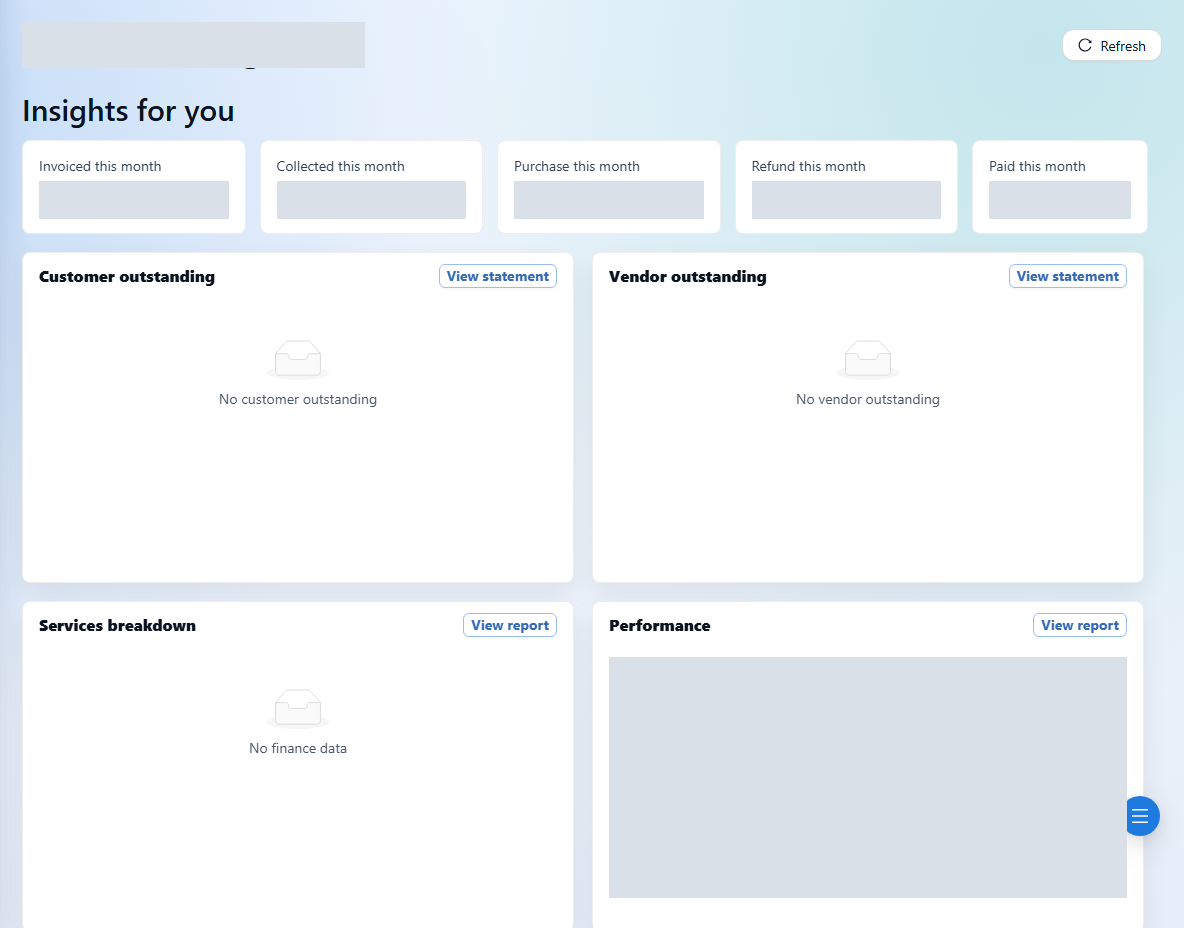
Use the underlying invoice, transaction, or statement to investigate a number. The dashboard is an overview, and available information depends on your account.