Find your way around inYice
A quick tour of the tools you will use every day.
Workspace sidebar
Step by step
- 1
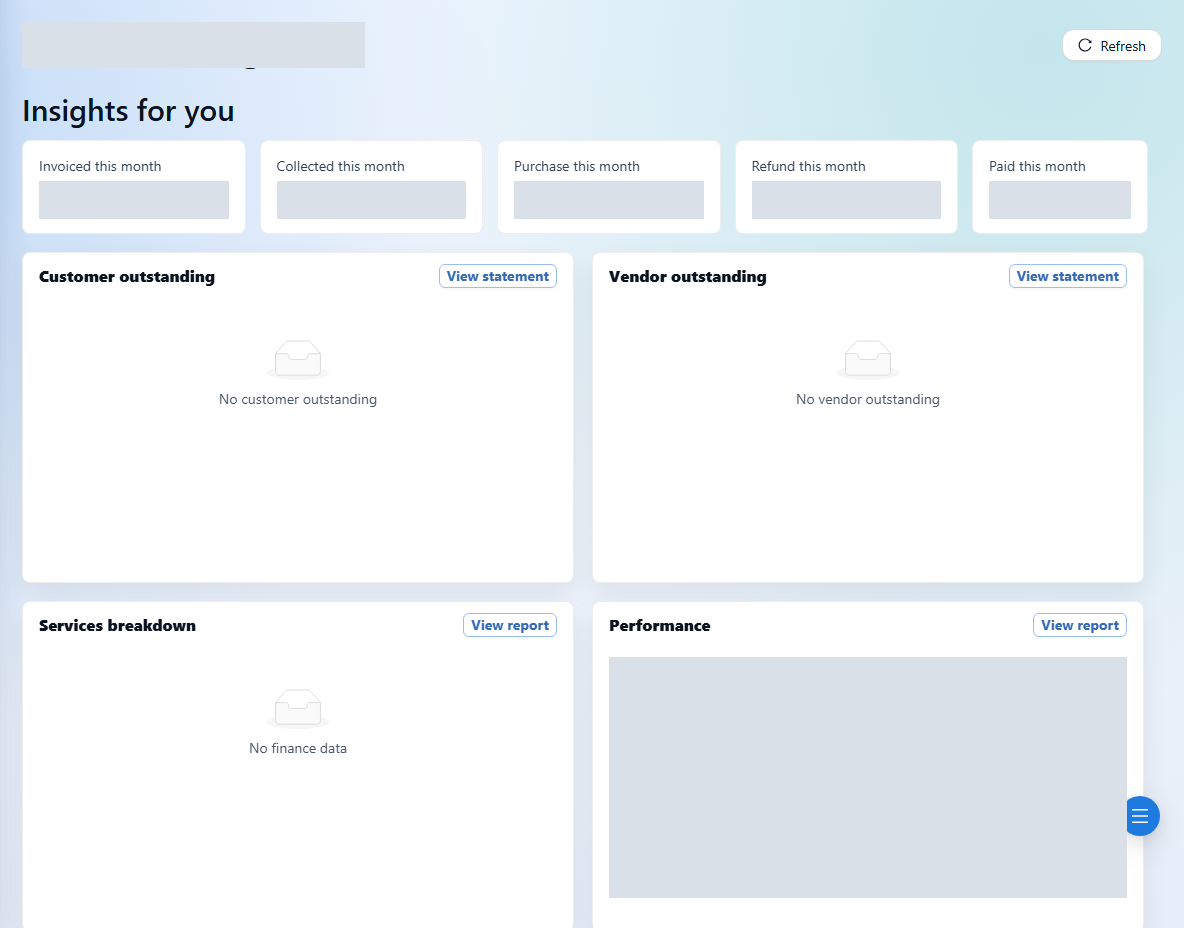
Start on Dashboard for a high-level view of your agency operations.
- 2
Open Finance for Create Order, Orders, Invoices, Reference Search, and customer or vendor transactions.
- 3
Use Master Data to keep customer and vendor records up to date.
- 4
Open Profiles for company details and company users.
- 5
Use Reports for aging, revenue, profit, receipts, payments, and statements. Available menus depend on your role.
- 6
Personalize your workspace using the Ocean, Slate, or Sand theme selector and the light/dark toggle in the top bar.
See it in the workspace
Actual portal screens. Private values are hidden where needed. Open an image to see it at full size.
Sales users do not see the Reports group. Your company owner or admin can help check which role you need.